TrailTool for Avans
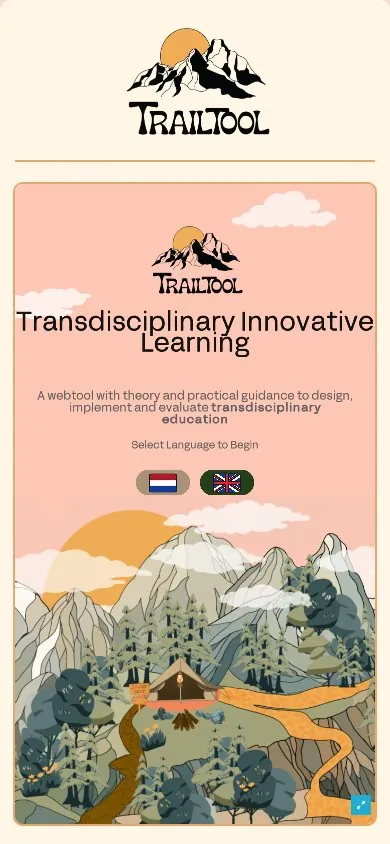
A mountain to learn on. We built this web app for the Avans research group on transdisciplinary collaboration in education: it turns theory on working across disciplines into an expedition, with a route for every role.
Open trailtool.orgClient: Avans Hogeschool, research group Transdisciplinary Collaboration in Education. Current release 2.2.
- 4roles, each with its own route
- 3trails: design, participation, evaluation
- 2languages, Dutch and English
- 0installs: it runs in the browser
The brief
Transdisciplinary education asks students, teachers, researchers and outside partners to work on one real societal problem together. The research group at Avans had the knowledge to help them do it well: research findings, theory, practical tools and examples from the Netherlands and beyond.
The challenge was to make that knowledge usable for four very different people, playful without losing its scientific grounding, in two languages, and open to anyone with a browser.
The idea: a mountain to climb
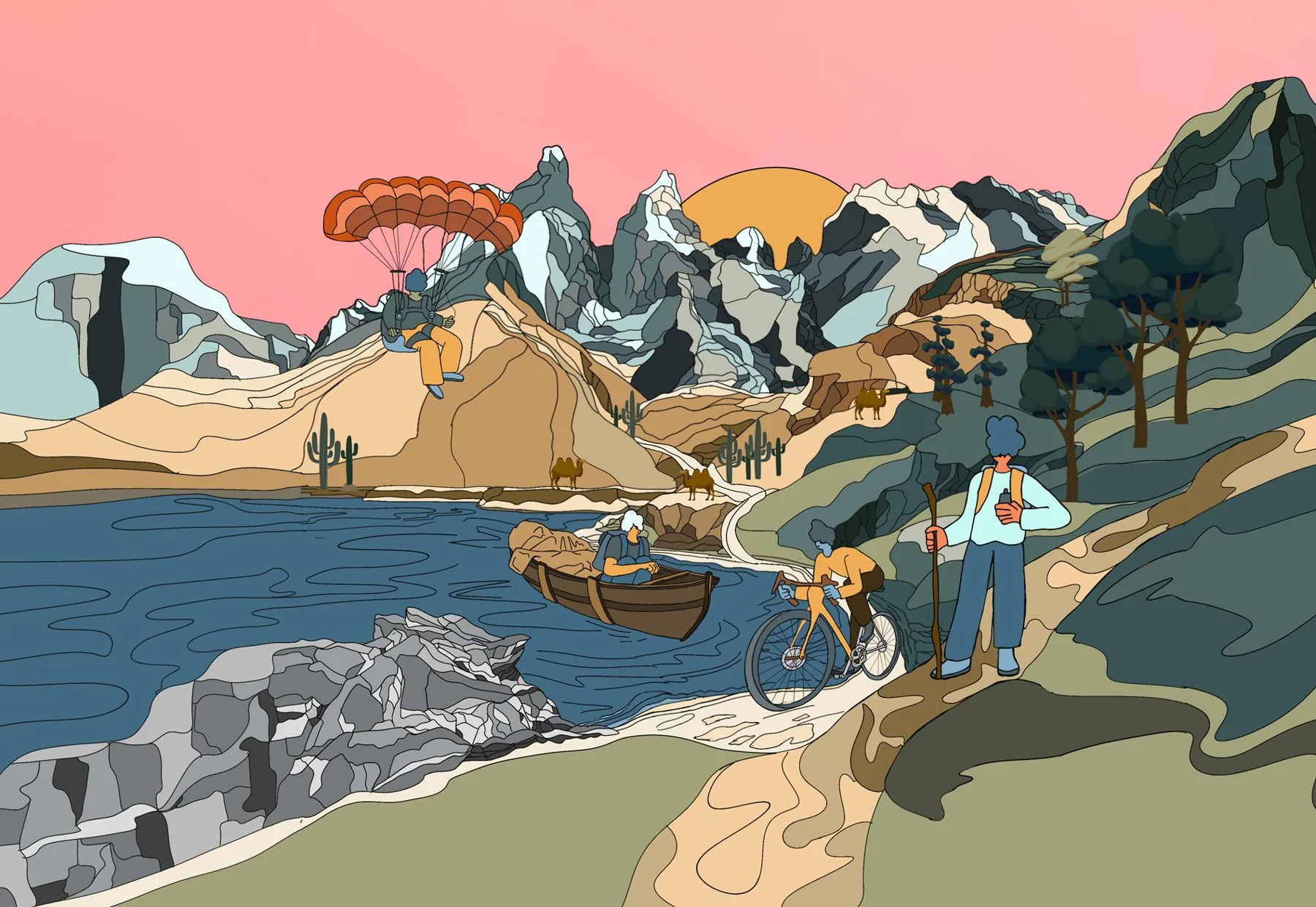
Instead of a menu, visitors get a landscape. Signposts mark the stops, the path shows the order, and the summit is the goal. Torches along the way hold the content.
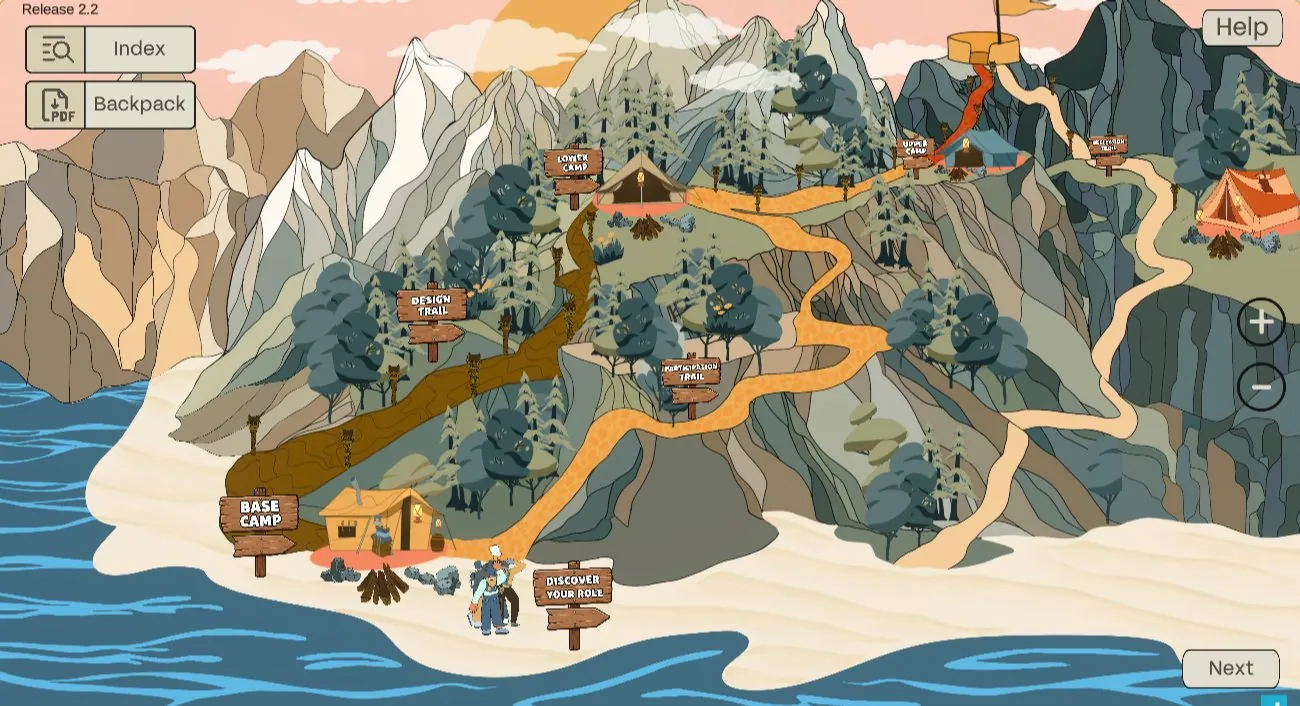
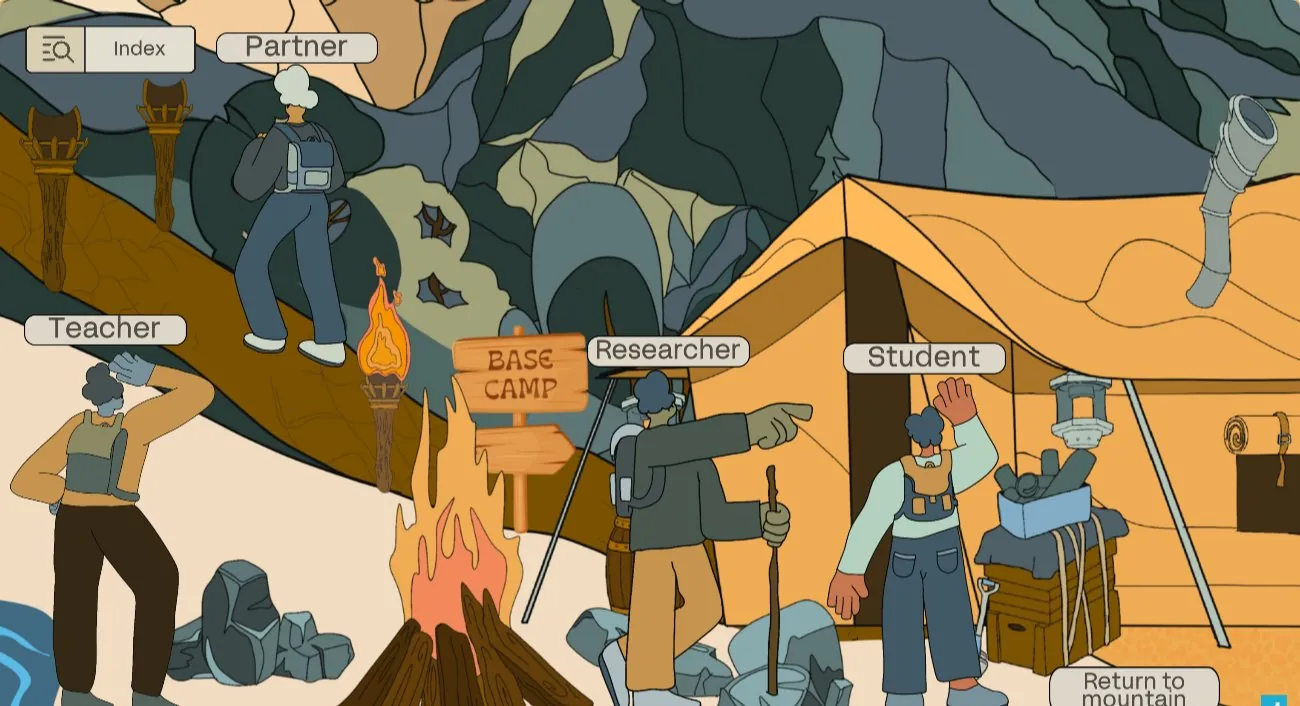
Discover your role
Choose student, teacher, researcher or partner. Everything after this is tuned to that role.
Base camp
Build a strong team before the climb: who does what, and why you are working together.
Design trail
How to design transdisciplinary education, with theory and tools at every torch.
Participation trail
How to put the design into practice, together with everyone involved.
Lower and upper camps
Stop, look back with your team and reflect on the journey so far.
Evaluation trail
How to evaluate what you built and learned, up to the summit.
Four ways up the same mountain
Every role travels differently, and every role gets its own route through the content. They meet at the camps.
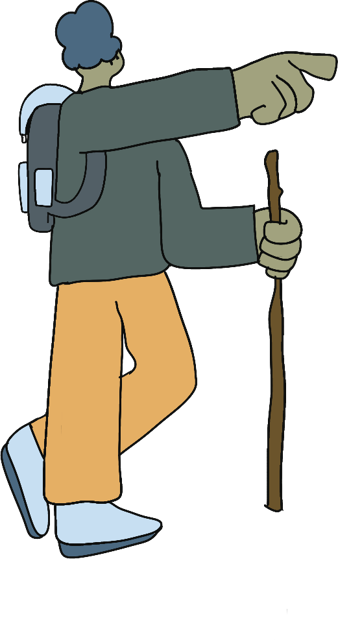
Student
The student hikes the trail on foot.
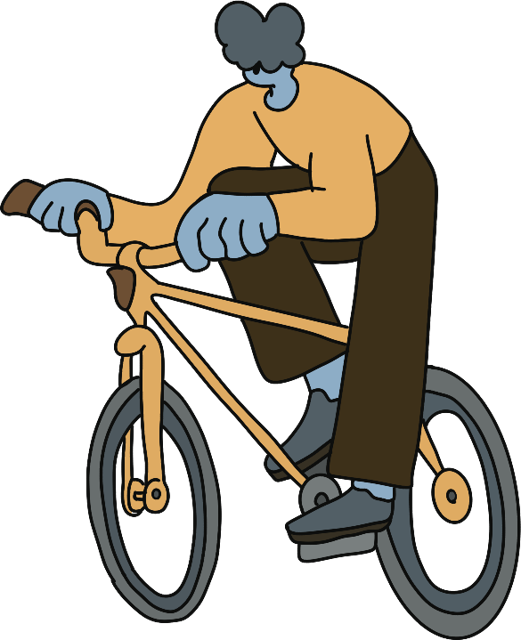
Teacher
The teacher cycles up the mountain road.
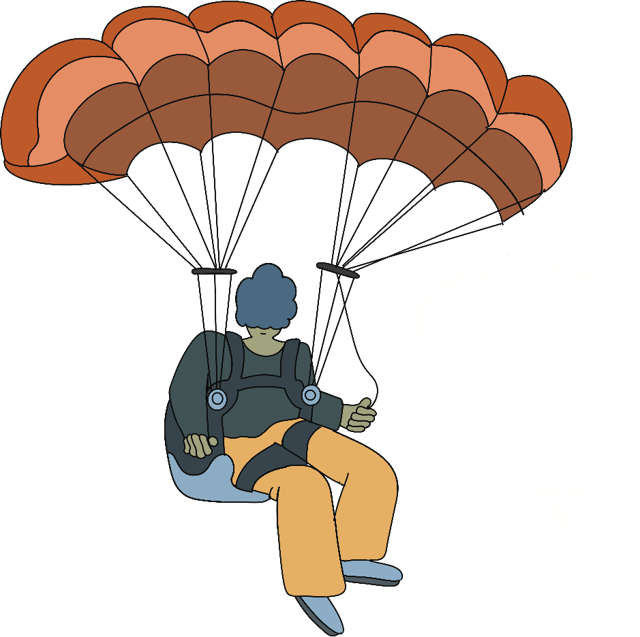
Researcher
The researcher sees it from above, by paraglider.
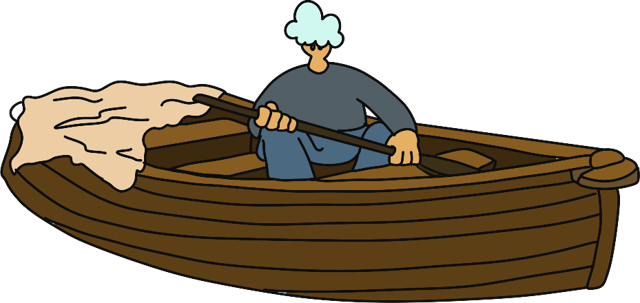
Partner
The partner arrives from outside, by boat.
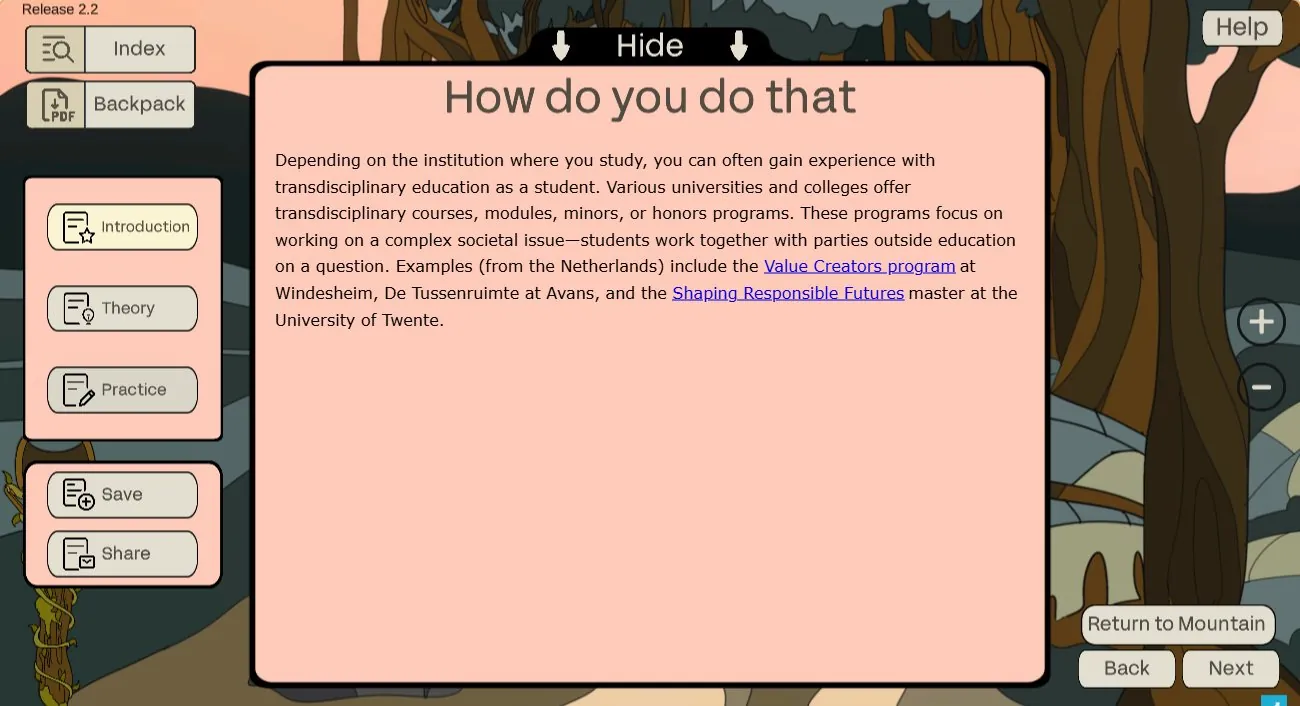
Inside a torch
Each torch on a route opens into three tabs: an introduction, the theory and the practice. The practice tab points to real programmes, such as the Value Creators programme at Windesheim, De Tussenruimte at Avans and the Shaping Responsible Futures master at the University of Twente.
From every torch you can save the content to your backpack or share a link straight to it.
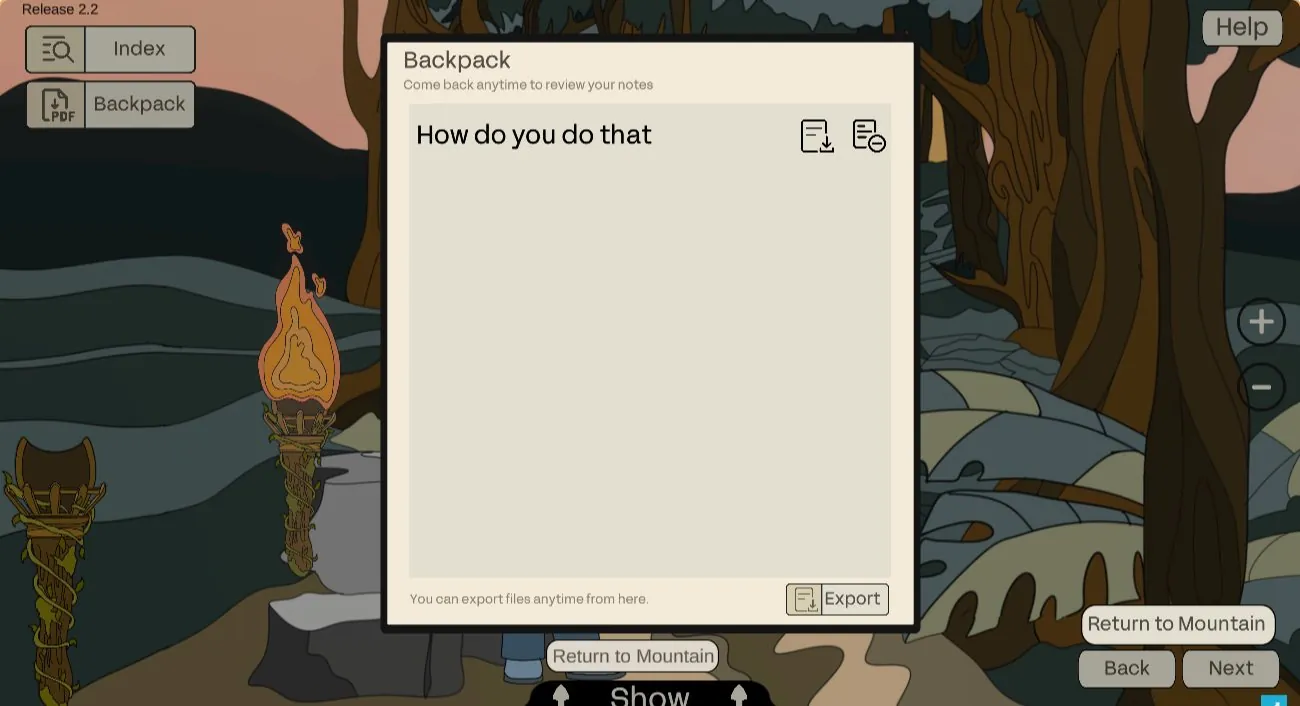
Take it with you
The backpack collects everything you saved on the way and exports it as a PDF. The index lets you jump straight to any part of the journey you want to revisit.
Why it works
The map is the table of contents
The order of the trail is the order of the method: team first, then design, participation and evaluation. Visitors learn the structure just by looking at the mountain.
Four routes, one mountain
Each role gets its own path and its own way of travelling, but everyone shares the same camps and words. That keeps a student and an outside partner talking about the same thing.
Reading turns into something to bring
Anything useful goes into the backpack and comes out as a PDF. A teacher can arrive at a meeting with the theory and tools the team needs, instead of a list of links.
Made to be passed on
Every point on the trail has its own share link, the index jumps anywhere, and Dutch or English is chosen before the climb starts. It runs in the browser, on a laptop or a phone, with nothing to install.
On every screen
The same expedition works on a laptop in a classroom and on a phone on the train. Visitors choose Dutch or English on the first screen, before the climb begins.
Your project next?
Start with a free website and AI check. You get a short video and a one-page report with what to fix first.